Resource! Respond! Rescue!


Download Teacher World files
Version 1.5 | Released May 2024
*If updating, see how to delete the old file before importing the new one!
1. Download the world
Download and import the Resource! Respond! Rescue! into Minecraft Educator Edition.
2. Host the world
See the Minecraft world you imported in "View my worlds" and select "host". Once loaded into the world press "esc" and note down the 4-picture join code (similar to below).
3. Let the students join
Get your students to open Minecraft Educator Edition on their devices and have them to enter in the unique 4-picture code you have.
Watch the gameplay tutorial
Showing how to play the game and what curriculum content is included, the gameplay tutorial is the quickest way to learn about Resource! Respond! Rescue!
Read the Teacher Guide
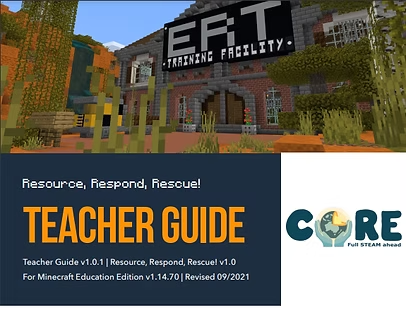
The teacher guide is a step by step walkthrough of how to set-up and play Resource! Respond! Rescue! It also explains the curriculum material covered in the game, and how it can be used in your class.

See the link to curriculum
Resource! Respond! Rescue! has been specifically designed to deliver the existing ACARA Science Curriculum.To see how it can be used as an assessable and reportable learning tool, download the Curriculum Links.
Ready to transform STEM learning?
Whether you are an educator, school, or industry partner, CoRE provides hands-on STEM programs that connect classrooms to real careers across Western Australia.